

APK2Apps · Android app guide

Cine HD Universal, 64-bit and 32-bit APK Builds Explained
Understand Cine HD’s Universal, 64-bit and 32-bit APK choices, listed sizes, compatibility limits, and common installation mistakes.
Why Cine HD has more than one APK
Cine HD APK builds are the main source of confusion on its download page. The checked source lists Global v1.1.4 in Universal, 64-bit and 32-bit forms. These are package choices within the same listed release, rather than three different ratings or subscription levels.
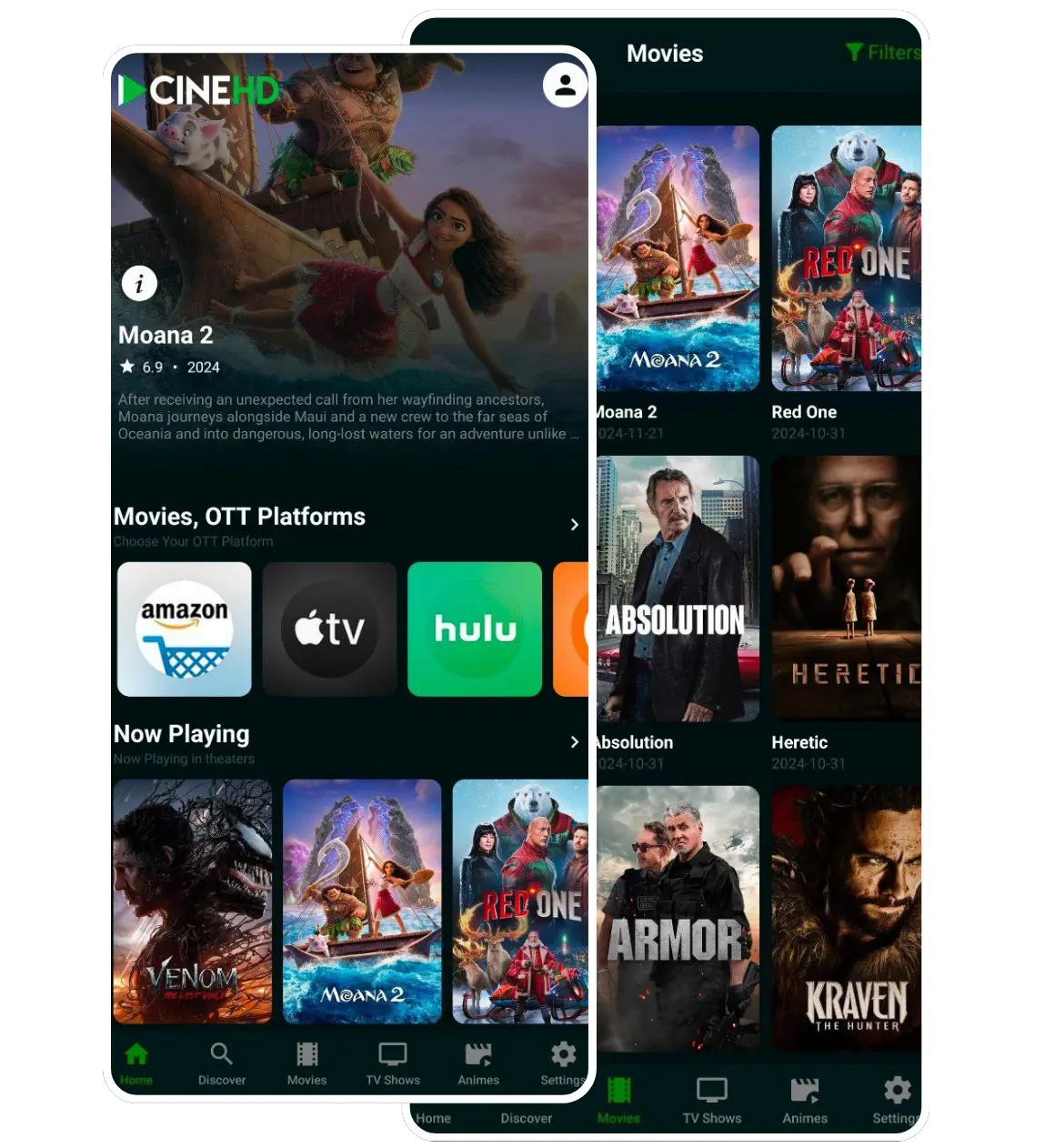
The source describes Cine HD as an entertainment app for movies, series and anime. This article focuses on interpreting its package options, because choosing the right file is more useful than repeating a promotional feature list. The packages have not been installed or malware-scanned by APK2Apps.
The checked Global listing
| Build | Source’s approximate size | Source’s guidance |
|---|---|---|
| Universal | 74 MB | Suggested when unsure which build to choose |
| 64-bit | 31 MB | Presented for newer Android phones |
| 32-bit | 26 MB | Presented for older or entry-level devices |
These are the source’s published figures, not measured package sizes. The listing can change, so compare it with the file offered when you actually download. Our Cine HD app page groups the Global choices and their supplied links.
Global, Proxy, Jio or Advanced: choose the release family first
The supplied Cine HD page separates release families from CPU architecture. Its Global, Proxy and Jio listings show v1.1.4; Advanced shows v0.4.6. Each family offers Universal, 64-bit and 32-bit packages. These labels describe two different choices.
| Situation | What to check next |
|---|---|
| Global | The general download listing; confirm its device requirements. |
| Proxy | The source suggests this for connection problems with the normal build. It is not a guaranteed fix. |
| Jio | Labelled Jio-compatible by the source; confirm that this applies to your device and connection. |
| Advanced | A separate v0.4.6 release line; do not compare its version number directly with v1.1.4. |
Choose the family for your situation, then check the supported architecture. Keep the original filename and source address so you can identify the package later. Changing families should not be assumed to preserve app data or solve an installation error.
How to choose between Universal and a specific build
In general Android packaging, architecture-specific files can target particular instruction sets. A Universal package may include support for more than one architecture. That explains why a larger download can exist alongside smaller options without automatically containing more user-facing features.
If you do not know your device’s architecture
The source suggests Universal when you are unsure. Treat that as a starting point rather than a compatibility guarantee. A package can still have Android-version requirements, device restrictions or other limitations. The checked listing does not clearly establish a minimum Android version.
If you want a specific architecture build
Check reliable documentation for your exact device and its installed operating system. Knowing that a processor is capable of 64-bit operation does not by itself confirm which application architectures the installed Android system supports. A newer purchase date or a larger amount of RAM is also not a reliable substitute for compatibility information.
If you cannot establish the requirements, ask the source or device manufacturer. Do not install an unrelated “compatibility fixer” simply because a page claims that it can make every APK work.
What the different download sizes mean
A smaller file can reduce download time on a slow connection, but size alone does not establish quality or safety. A Universal package can be larger because it contains additional architecture support. The installed footprint can also differ from the size of the compressed download.
Plan storage beyond the APK file
Leave room for Android to process the installation and for the application’s data. If a phone is close to full, downloading the smallest available option may still fail to solve the storage problem. Review storage in settings rather than deleting random files you may need.
Keep track of which build you downloaded. If you later compare two versions, record both the release number and build type; a filename containing “64-bit” and one containing “Universal” are not automatically identical packages.
A practical installation checklist
- Identify the device and the build you intend to use.
- Check the source’s current release details before following a file link.
- Wait for the browser to finish downloading the APK.
- Open the completed package and read Android’s installation message.
- Review any requested installation permission for the specific browser or file manager.
- Keep security protection enabled and investigate warnings before proceeding.
This is a general Android process. It does not verify the contents of a particular Cine HD APK. Likewise, the ability to stream a title does not establish permission to access or redistribute it. Check the relevant provider’s terms and content rights.
When a Cine HD package does not install
Start with the stage that failed. If the file is incomplete, download it again from the intended source after removing the partial copy. If Android reports a compatibility problem, check the package requirements and architecture rather than assuming your phone is defective.
Do not confuse an update conflict with a bad connection
A conflict with an existing application may involve package identity or signing. Repeatedly changing Wi-Fi networks will not explain such a message. Note the installed version and source before making changes. Removing an existing app may remove its local data, so avoid that step until you understand the consequences.
If installation succeeds but playback fails, investigate the connection and service separately. Reinstalling a package is not evidence that a stream is available or authorised. The APK installation guide covers the basic Android settings in more detail.
Cine HD build questions
Does Universal mean guaranteed compatibility?
No. It is the source’s suggested option when architecture is unclear; other device and Android requirements can still apply.
Is the smallest APK the best choice?
Not necessarily. Choose a compatible package. Size is one practical consideration, not a safety or quality score.
Are the figures in this article permanent?
No. They describe the Global release listed on the check date. Return to the source before downloading a later release.
Make the build choice before starting the download
Understanding Cine HD’s Universal, 64-bit and 32-bit options makes the next step clearer. Match the package to reliable device information, treat listed sizes as approximate, and investigate installation messages instead of forcing the process. Use the app listing to find the supplied Global download choices.